

P11D IAS – How to add an employee/director
Article ID
ias-10651
Article Name
P11D IAS – How to add an employee/director
Created Date
5th September 2012
Problem
Is it possible to add an employee/director to the business via the P11D module?
Resolution
1. Log on to the P11D module and select the employer/company.
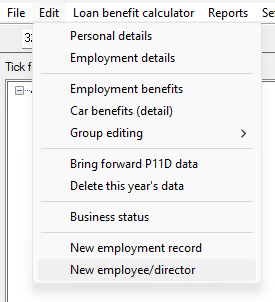
2. From the ‘Edit’ menu select New Employee/Director.
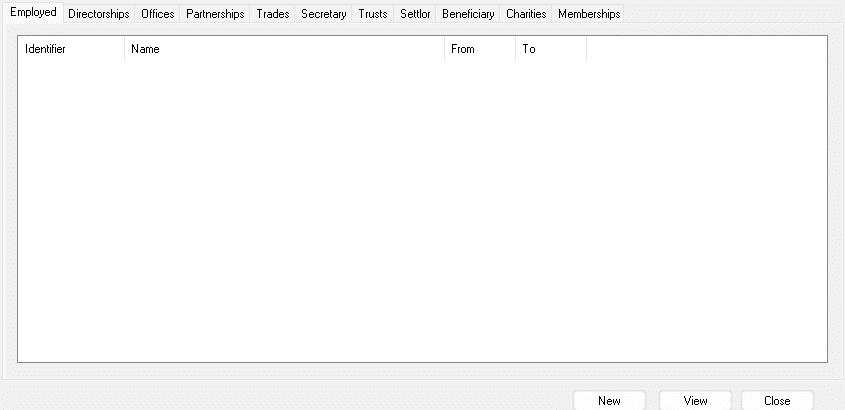
3. Click on either the Directors or Employs tab then select ‘New’.
4. Click on the blue magnifying glass to access the client browser. If the person is already in existence on the database, select them from the list. (If they do not already exist click on New. You will then enter the Employee/Directors information and give the person an identifier).
6. Select the client from the client browser then click OK.
We are sorry you did not find this KB article helpful. Please use the box below to let us know how we can improve it.